Introduction to Garmin Devices
What is Garmin?
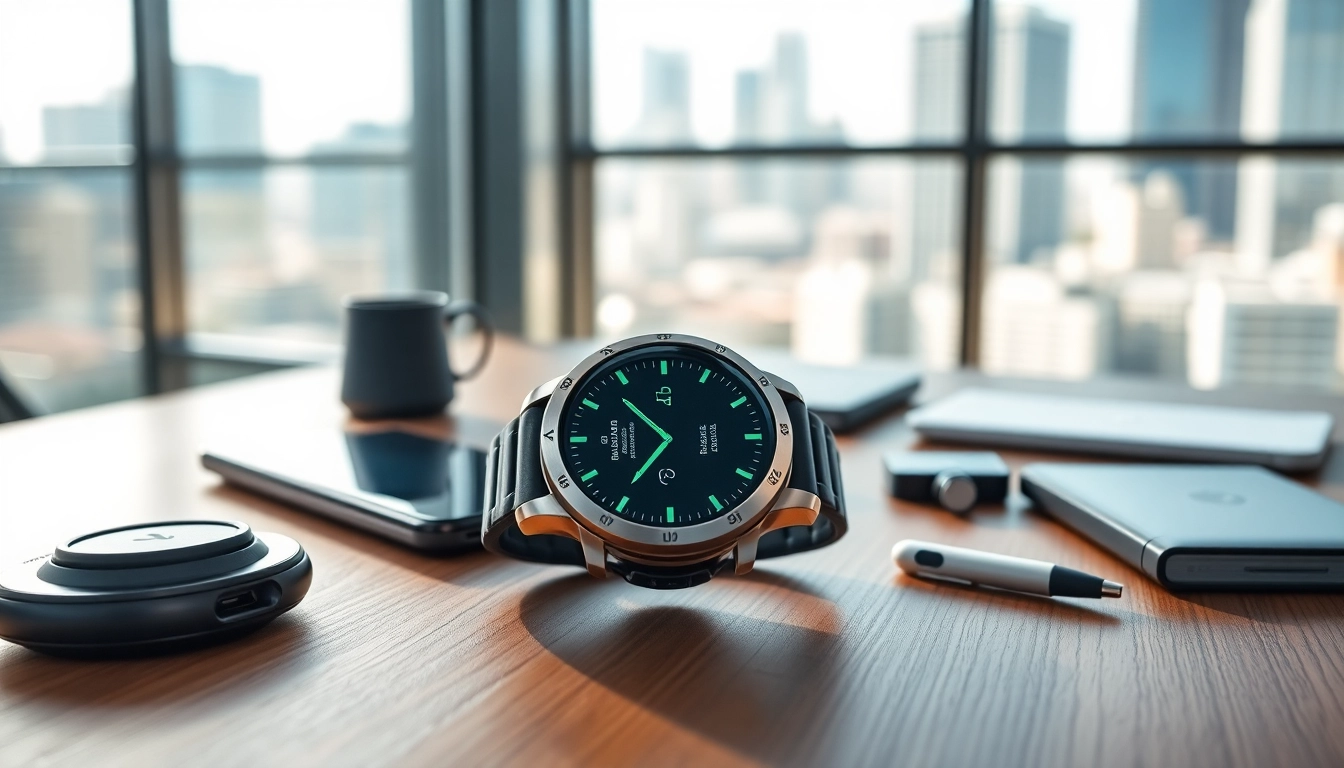
Garmin Ltd. is a renowned technology company focusing on GPS technology for automotive, aviation, marine, outdoor, and sports applications. Established in 1989, Garmin has cemented its status as a leader in the wearable technology arena, creating a range of devices catering to fitness enthusiasts and casual users alike. Known for its robust design and user-friendly interfaces, Garmin products enhance users’ lifestyles by integrating technology that supports health, navigation, and fitness endeavors. By offering an array of features, Garmin provides practical solutions for everyday activities and serious athletic training.
Key Features of Garmin Products
Garmin devices come equipped with a multitude of features designed to facilitate an active lifestyle. Here are some notable aspects:
- GPS Tracking: Accurate navigation and tracking capabilities to monitor distance, speed, and routes whether running, cycling, or hiking.
- Health Monitoring: Advanced sensors that track heart rate, sleep patterns, and stress levels, allowing users to maintain optimal health.
- Smart Notifications: The ability to receive alerts for calls, texts, and other notifications directly on the device, enhancing connectivity without the need for constant phone checking.
- Water Resistance: Many Garmin devices are designed to withstand water exposure, making them suitable for swimming and boating.
- Customizable Watch Faces: Users can personalize their devices with different styles and functionalities based on their preferences.
- Integrated Training Plans: Users can access customizable workout plans aimed at achieving fitness goals, offering instructional guidance and metrics to track progress.
Benefits of Using Garmin Technology
Utilizing Garmin technology presents several benefits that can elevate one’s lifestyle:
- Enhanced Performance: By tracking fitness metrics, users can optimize their training regimes and identify areas for improvement.
- Accountability: Regular monitoring encourages adherence to fitness goals, promoting consistent progress and motivation.
- Improved Safety: GPS capabilities assist in navigation, making outdoor activities safer and reducing the risk of getting lost.
- Community Engagement: Connectivity features allow users to share achievements and engage with other fitness enthusiasts through the Garmin Connect platform.
- Long Battery Life: Designed for long use, many Garmin devices have extended battery life, suitable for long workouts or outdoor adventures.
Choosing the Right Garmin Device
Garmin for Fitness Enthusiasts
Fitness enthusiasts often require specific features to support intensive training. Garmin offers various models tailored to these users, such as:
- For Runners: Devices like the Garmin Forerunner series provide advanced pacing metrics, race features, and recovery insights tailored for dedicated runners.
- For Cyclists: Models like the Edge series focus on cycling performance, offering metrics related to speed, cadence, and efficient route planning.
- For Triathletes: The Garmin Swim and triathlon-specific devices incorporate swimming statistics, enabling training across all disciplines in one wearable.
Garmin for Casual Users
Casual users looking for a smart device often prioritize simplicity and essential features. Garmin has options like:
- Garmin Vivosmart: A fitness tracker that counts steps and tracks heart rate while integrating smart notifications, perfect for the everyday user.
- Garmin Instinct: A multisport GPS watch that emphasizes durability and rugged characteristics while simplifying navigation and fitness tracking.
- Garmin Lily: A stylish smartwatch designed with a smaller frame, caters to those wanting essential fitness tracking along with aesthetic design.
Factors to Consider When Selecting a Garmin Device
Before committing to a specific model, there are essential factors to evaluate:
- Purpose: Identify your primary use, whether for running, cycling, daily fitness tracking, or outdoor adventures.
- Budget: Garmin offers a wide range of prices; clarifying your budget helps narrow choices to suitable options.
- Features Required: Examine which features like GPS accuracy, heart rate monitoring, or smartphone integration align with personal needs.
- Compatibility: Ensure the device is compatible with other fitness tools or apps you currently use for a seamless fitness experience.
- Design: Consider the aesthetic appeal and size, ensuring it aligns with your personal style and comfort during wear.
Getting Started with Garmin
Setting Up Your Garmin Device
Initially setting up your Garmin device is straightforward. Follow these steps:
- Charge your Garmin device fully before first use.
- Power on the device and follow on-screen prompts to select your language and preferences.
- Create or log into your Garmin Connect account when prompted. This account is necessary for syncing your data.
- Complete the setup by entering personal information such as weight, height, and age; this allows for accurate tracking.
Connecting to Garmin Connect App
The Garmin Connect app is an essential component of the Garmin experience, offering a comprehensive platform for tracking and analyzing your fitness data. Here’s how to connect:
- Download the Garmin Connect app from your device’s app store.
- Open the app and log in to your Garmin Connect account.
- Enable Bluetooth on your smartphone and turn on the device’s pairing mode.
- Select your device from the list within the app, ensuring a successful connection for data syncing.
Understanding User Interface and Navigation
Familiarizing oneself with the user interface is crucial for maximizing the Garmin experience. Key aspects include:
- Main Menu: Access various functions through the main menu, including activity tracking, settings, and custom workouts.
- Shortcut Features: Learn to use shortcut buttons to access frequently used features quickly.
- Notifications: Understand how to manage notifications, setting preferences for calls and messages as needed.
Tips for Maximizing the Garmin Experience
Tracking and Analyzing Your Fitness Data
Making the most of your Garmin device involves skillful analysis of the data collected:
- Review Metrics Regularly: Regularly check all metrics like heart rate, distance, and sleep patterns, allowing you to adjust your training plans accordingly.
- Set Goals: Utilize the Garmin Connect app to set achievable fitness goals based on past performance to inspire progress.
- Utilizing Community Challenges: Participate in challenges within the Garmin community to stay motivated and engaged with fellow fitness enthusiasts.
Utilizing Garmin’s Smart Features
Garmin devices aren’t just for tracking fitness; they also come loaded with smart features:
- Heart Rate Alerts: Customize alerts for when your heart rate exceeds a set threshold to help maintain safe workouts.
- Calendar Reminders: Input events and reminders into the calendar function to keep track of upcoming appointments and schedule workouts.
- Syncing Music: Some models allow downloading music for offline listening, ensuring motivation during workouts without needing a phone.
Integrating Garmin Into Your Daily Routine
Incorporating a Garmin device into your daily life involves thoughtful planning:
- Daily Walks: Use your device to track daily walks, gradually increasing distance and integrating them into your routine.
- Health Dashboards: Regularly analyze health metrics and use insights from the dashboard to inform lifestyle changes.
- Periodic Challenges: Set specific challenges, such as a monthly step goal, to keep fitness fresh and engaging.
FAQs About Garmin Devices
What makes Garmin stand out from other brands?
Garmin is known for its accurate GPS technology, robust design, comprehensive health metrics, and user-friendly interfaces, establishing it as a trusted brand in wearable technology.
How do I sync my Garmin device with my smartphone?
Syncing is done via the Garmin Connect app. Ensure Bluetooth is enabled on your phone, open the app, and select your device to establish the connection and sync data easily.
Can I use Garmin for outdoor activities?
Yes, Garmin devices are engineered for outdoor activities, featuring rugged designs, GPS tracking, and specific metrics for hiking, swimming, and cycling.
What should I do if my Garmin device isn’t charging?
If your device isn’t charging, check the USB cable and power source. Clean the charging contacts, and if problems persist, consider consulting the user manual or customer support.
Are Garmin devices water-resistant?
Many Garmin devices are water-resistant, suitable for activities like swimming or water sports. Check the specifications for your specific model to determine its water resistance level.